01
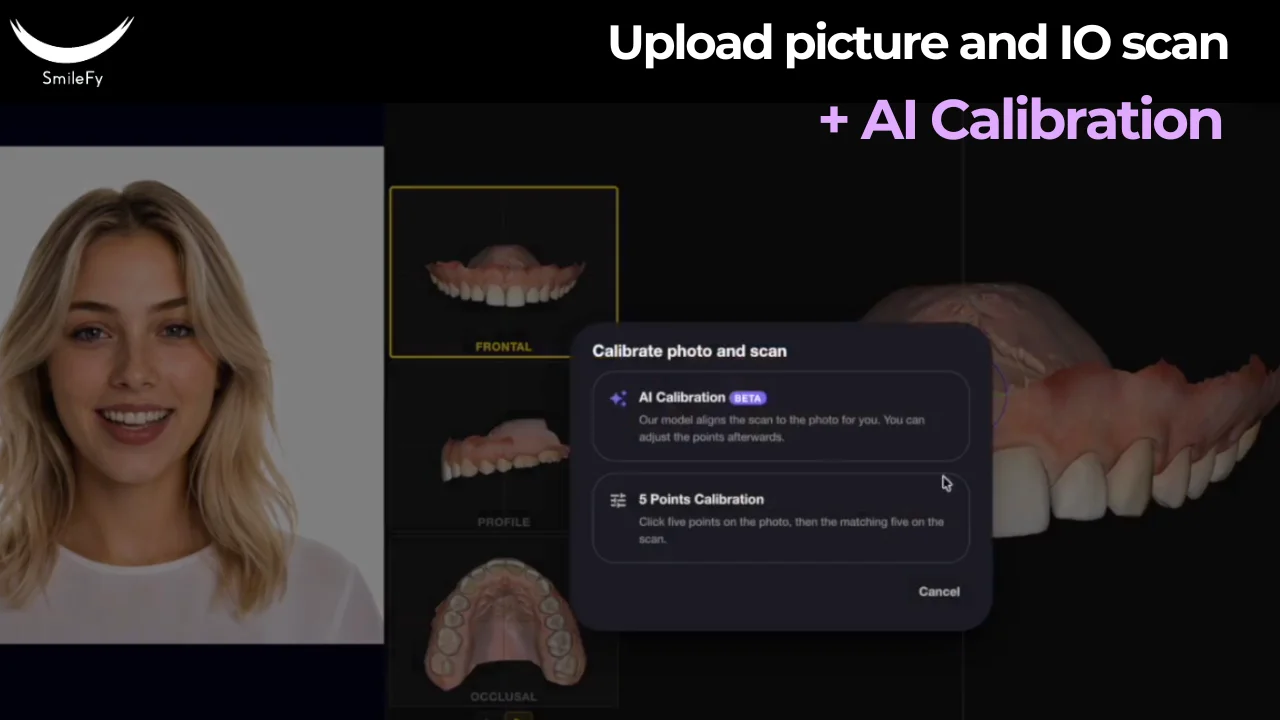
Upload the Intraoral Scan
Start with a scan from your existing intraoral scanner.
Upload the case to SmileFy and begin the AI workflow.
No need to change your scanner or rebuild your existing digital workflow.
AI 3D Design
AI-powered 3D smile design without complex CAD.
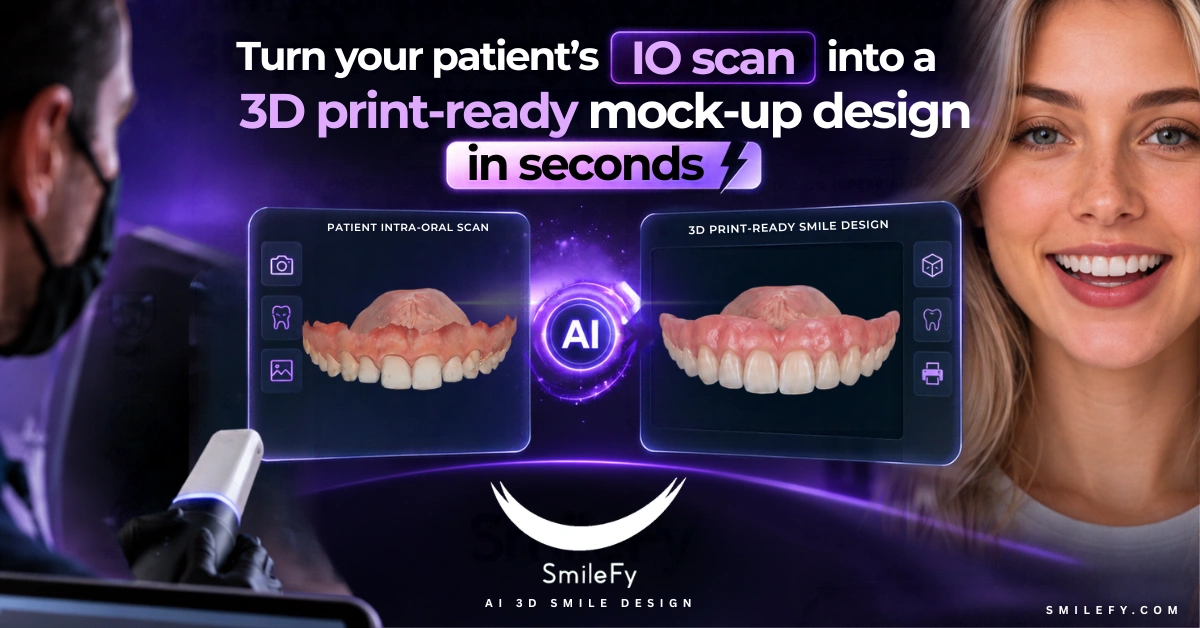
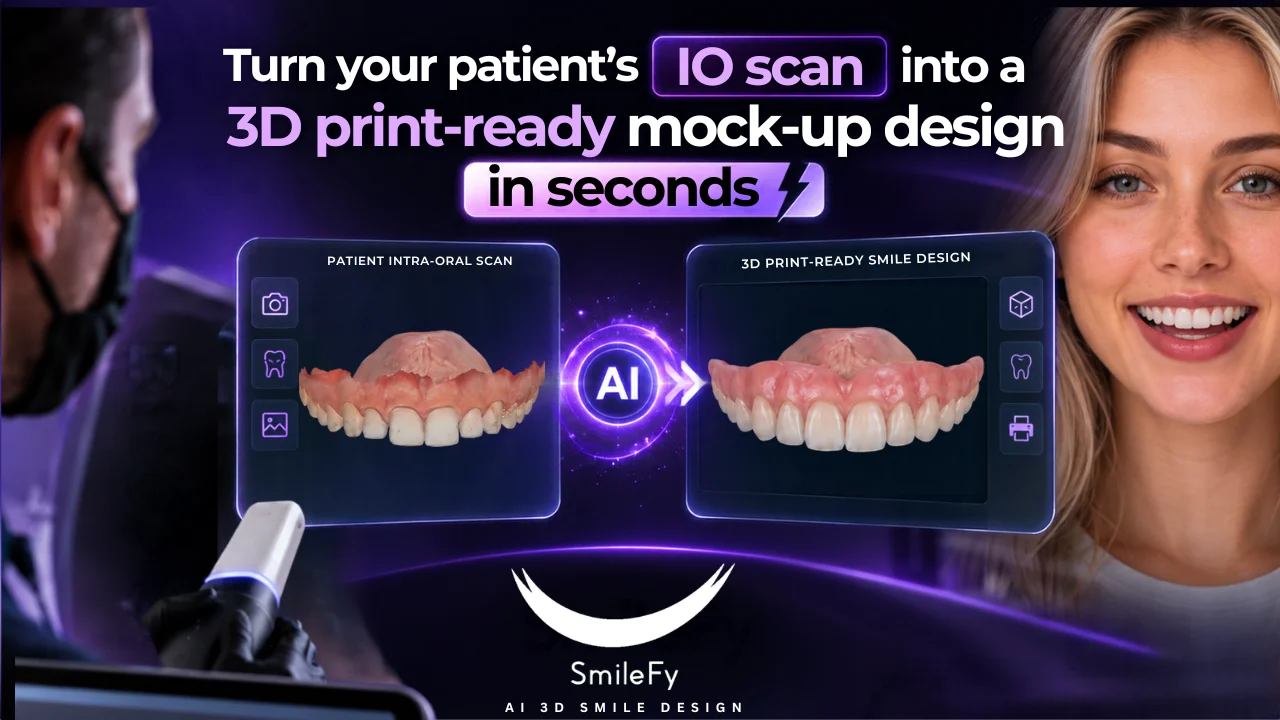
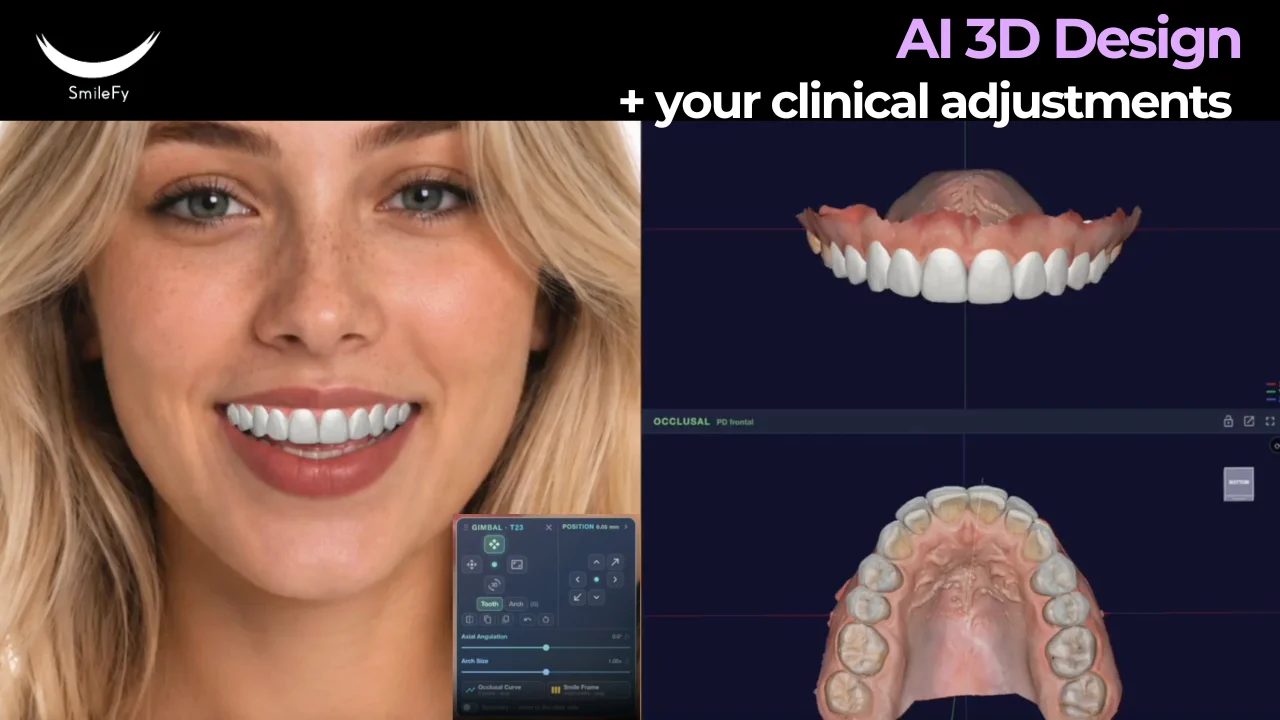
Upload your patient’s intraoral scan and let SmileFy AI automatically generate a patient-specific, facially guided 3D smile design in seconds.
Then simply tell the AI what you want to change using text or voice instructions.
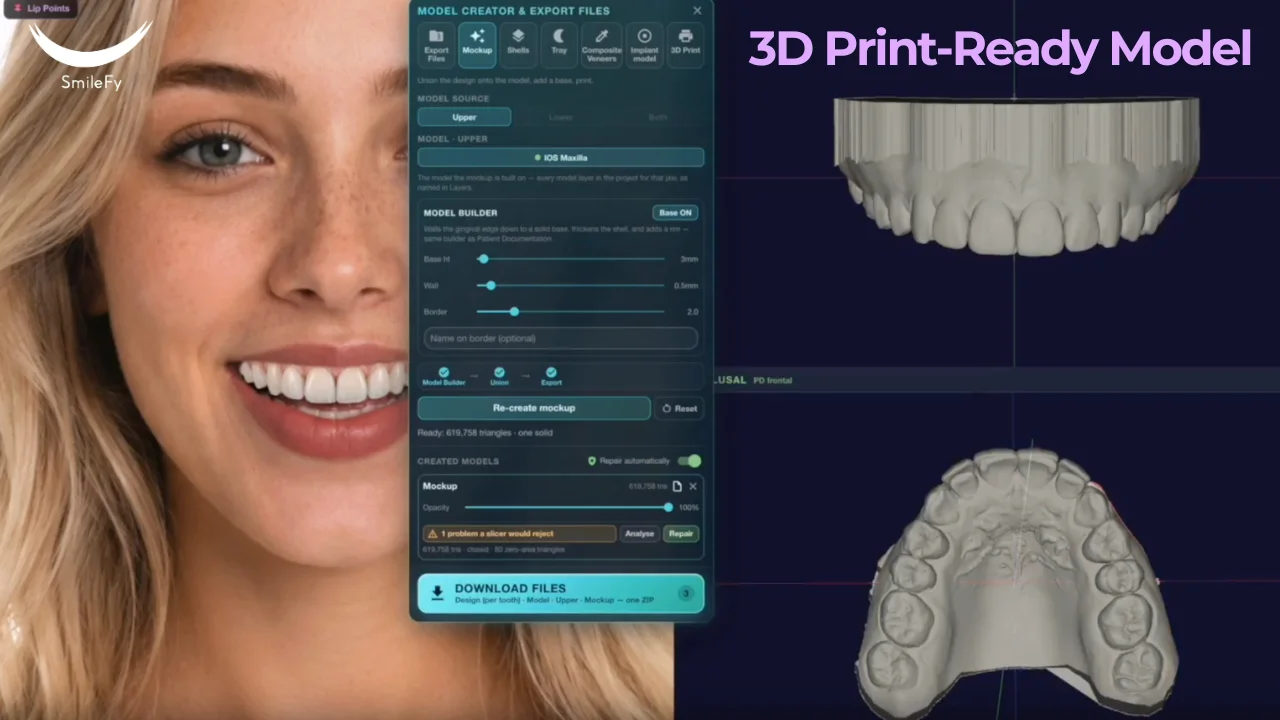
Once the design is approved, export a 3D print-ready STL file for your mock-up or shell.
No complex CAD. No time-consuming manual adjustments. No starting from scratch.
A Better Starting Point
Traditional 3D smile design often means opening a CAD program, setting up the case, selecting teeth, positioning anatomy, adjusting contours, and making multiple manual corrections before a design is ready.
SmileFy changes that workflow. Instead of starting with a blank CAD workspace, you start with an AI-generated 3D smile design already created for your patient.
The AI does the initial design work. You decide what the final result should look like.
The AI does the initial design work.
You decide what the final result should look like.
Four Simple Steps
Start with a scan from your existing intraoral scanner.
Upload the case to SmileFy and begin the AI workflow.
No need to change your scanner or rebuild your existing digital workflow.
SmileFy analyzes the case and automatically generates a patient-specific, facially guided 3D smile design in seconds.
Instead of beginning with a blank CAD workspace, you start with an already generated 3D design that is ready to review.
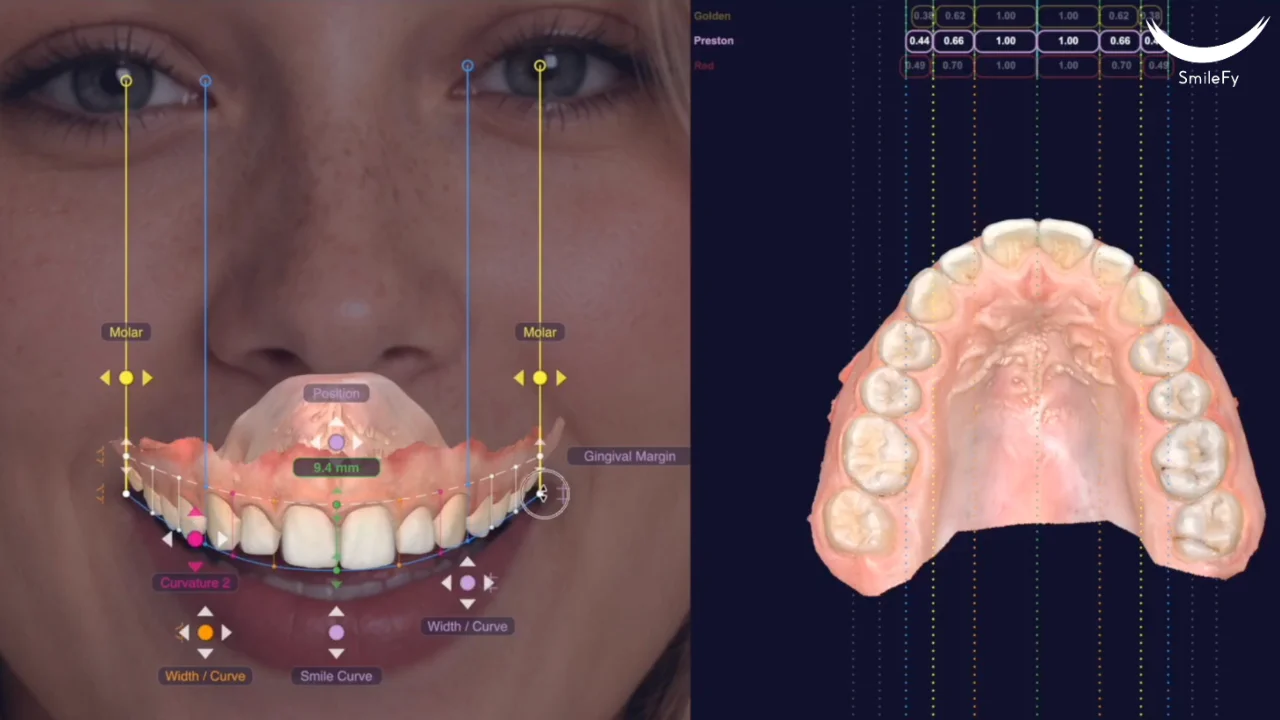
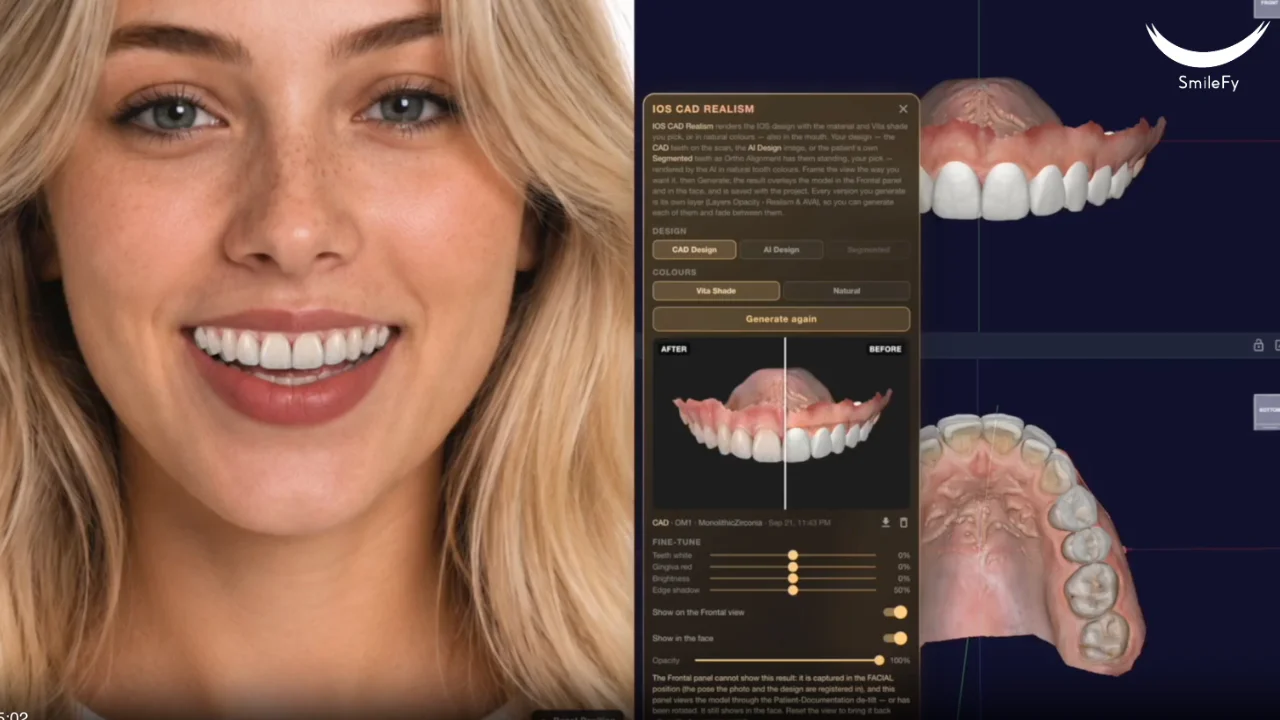
Evaluate the overall smile, tooth shapes, proportions, position, symmetry, and esthetic result.
AI gives you the starting point. You decide the final smile.
This is where SmileFy changes the way clinicians interact with dental CAD. Instead of manually adjusting every element of the design, simply type or speak your instructions.
For example:
“Make the central incisors slightly longer.”
“Reduce the lateral incisors.”
“Create a softer tooth shape.”
“Adjust the smile curve.”
SmileFy interprets your instructions and automatically updates the 3D design.
No CAD skills needed. No time-consuming manual adjustments. Just tell the AI what you want.
You remain in control of the clinical and esthetic direction while AI handles the technical design work.
Once the design has been reviewed and approved, export it as a 3D print-ready STL file for a mock-up or shell.
Move directly from the digital design to fabrication.
From intraoral scan to physical mock-up in one streamlined workflow.
IO Scan → AI 3D Design → AI-Guided Refinement → 3D Print
A New CAD Experience
SmileFy AI is designed to remove the most time-consuming parts of 3D smile design.
Instead of manually building the case from scratch, AI generates the first design for you. Instead of spending time making every individual adjustment with traditional CAD tools, you can communicate the changes you want directly to the AI.
Instead of moving through multiple disconnected design steps, you can go from scan to printable STL within one workflow.
Clinician-Led AI
SmileFy AI does not remove the clinician from the process. It changes where your time is spent.
The technology works around your clinical decisions — not the other way around.
Beyond the Screen
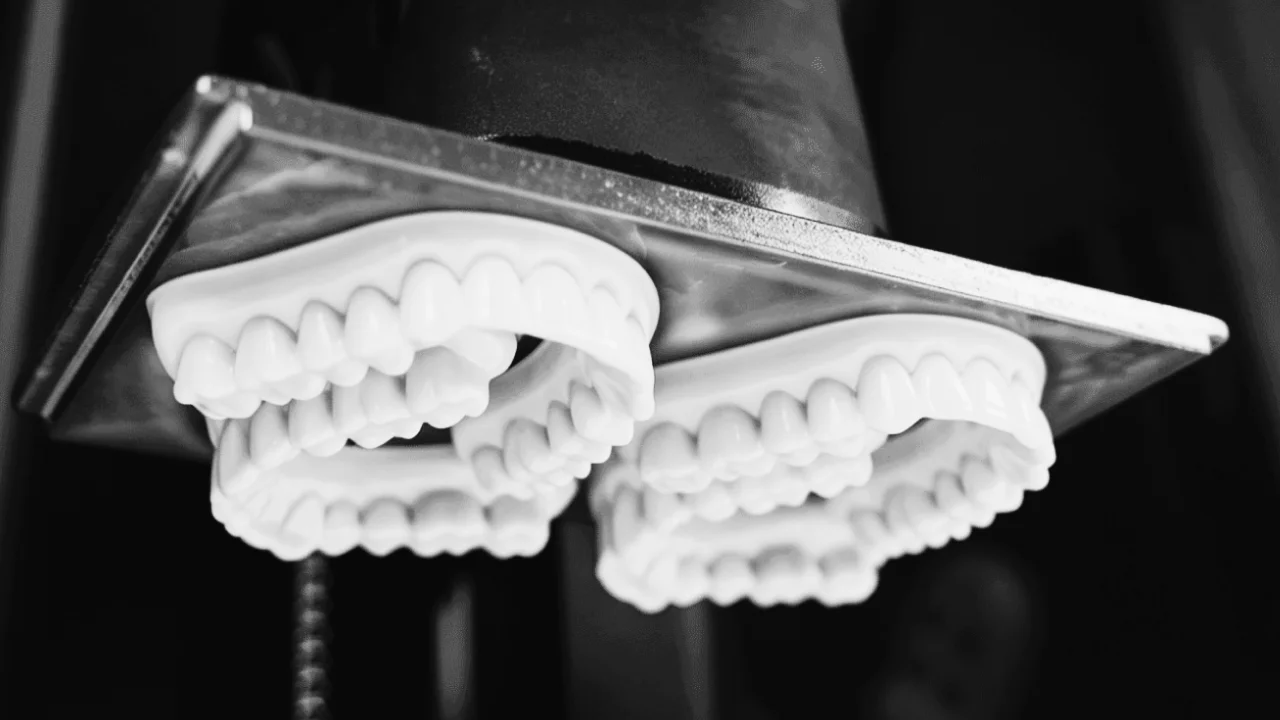
A smile design becomes even more valuable when your patient can experience it beyond the screen. Once your design is complete, export the STL and 3D print your mock-up or shells.
This allows you to move from digital treatment planning to a physical smile trial quickly and efficiently.
You shouldn’t need hours of CAD training to create a digital smile design. SmileFy AI gives clinicians a faster and more intuitive way to create 3D mock-ups while maintaining control over the result.
That’s the workflow.
For dental laboratories, repetitive initial design work can consume valuable production time. SmileFy AI creates an immediate 3D design starting point so technicians can spend less time on repetitive setup and more time reviewing and finalizing cases.
Instead of manually building every initial mock-up: Upload → Generate → Refine → Export
Scanner Agnostic
SmileFy works with intraoral scans from your existing digital workflow. Keep using the scanner you already have.
Simply export your scan, upload it to SmileFy, and let AI take over the initial design process.
Scan to Print
Upload your IO scan
AI generates your facially guided 3D smile design
Tell AI what you want to change using text or voice
Export the STL and 3D print your mock-up or shell
Scan → AI Design → Refine → Print
No complex CAD.
No starting from scratch.
No time-consuming manual adjustments.
Just a faster way to create 3D smile designs.
Conversational Design
For years, digital dentistry has required clinicians to learn how software wants them to work.
SmileFy is changing that. Now you can simply tell the software what you want.
Less CAD. More clinical control.